Navigation with Komoot:
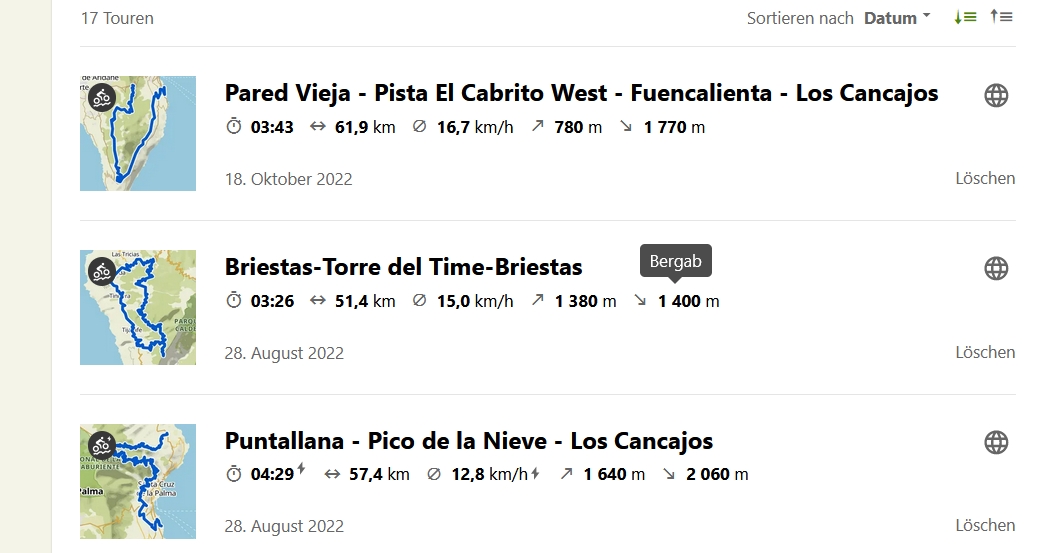
Many of our visitors navigate with Komoot at home and on holiday.
So here’s a warning: it’s better not to let Komoot or GoogleMaps suggest a route for you, as in many cases this ends in almost insurmountable inclines, dead ends or somewhere in a banana plantation.
It makes more sense to follow the suggestions we recommend. If you make friends with us at Komoot – see below – you can prepare these tours at home and transfer the GPS data to your external navigation system if you don’t want to navigate with your mobile phone.
By the way: When you register on Komoot for the first time, the first offline map (in this case La Palma) is free.
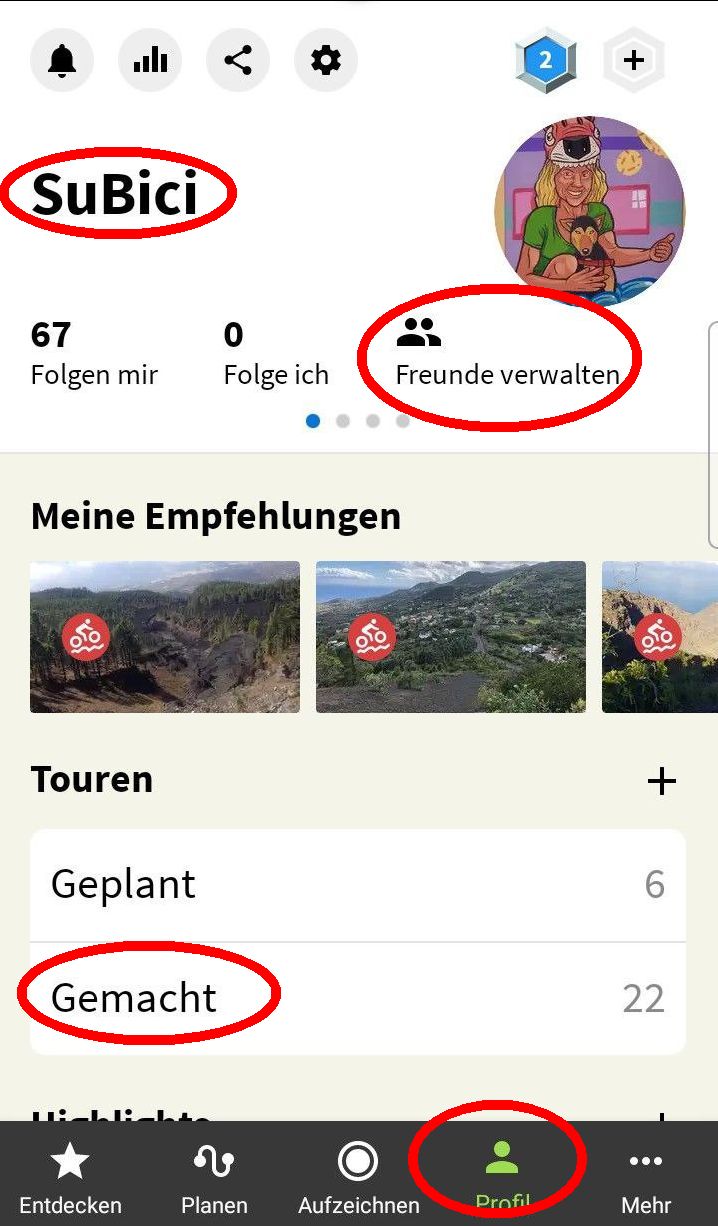 – PROFILE – ADMINISTRATE FRIENDS and search there for ” SuBici “.
After you have become friends with us, you should also be able to find and activate a large part of the routes (GEMACHT- “Completed”) that we have prepared.
Of course, you can also request specific tours/routes GPS/GPX data by email and have them sent to you. Depending on the configuration of your smartphone/computer, the route will then be opened automatically in Komoot!